A live fitness coaching app succeeds when a paid member can reliably reach the right trainer at the right time with enough context to make the session useful. The visible video room is the last step. The product work is defining availability, booking eligibility, subscription state, calendar events, rescheduling, notifications, and the plan the coach is expected to deliver.
Who This Is For
- Fitness businesses offering remote or hybrid personal-training sessions.
- Teams coordinating multiple trainers, member plans, and recurring sessions.
- Product owners replacing ad-hoc booking links and manual calendar invitations.
- Coaching businesses that need payments and session entitlement to stay connected.
Define booking eligibility clearly
The platform needs a single answer to a simple question: can this member book this session now? That answer depends on plan status, trainer availability, timezone, capacity, cancellation policy, and sometimes an assigned coach. Make the rule visible to the member and enforce it on the server. A calendar UI alone cannot prevent duplicate bookings, expired-plan access, or mismatched trainer assignments.
Create the appointment and the access path together
A scheduled session should create the records everyone needs: the appointment, the participants, the current status, the calendar event, the session link, and the notification schedule. When a session moves or is cancelled, those records must move together. This is where a dedicated scheduling API and calendar integration can earn their place, provided the team defines retries, failure states, and what staff can correct manually.
Keep subscriptions operational, not just commercial
Payment and subscription systems must be clear about what a successful purchase unlocks, when an entitlement expires, and how cancellation affects future sessions. Do not expose a live session simply because a client record exists. Conversely, do not force a member into support because a payment confirmation arrived after a booking attempt. Payment state, plan rules, and session permissions should be explicit and auditable.
Respect the limits of virtual coaching
Live virtual sessions can make coaching more accessible and let trainers give real-time form feedback, but they do not replace every in-person use case. Some training, medical, rehabilitation, or equipment-specific situations need an appropriately qualified professional in the room. The product should communicate the coaching model honestly and give trainers enough member information to decide when a session should not proceed as normal.
Case in Point
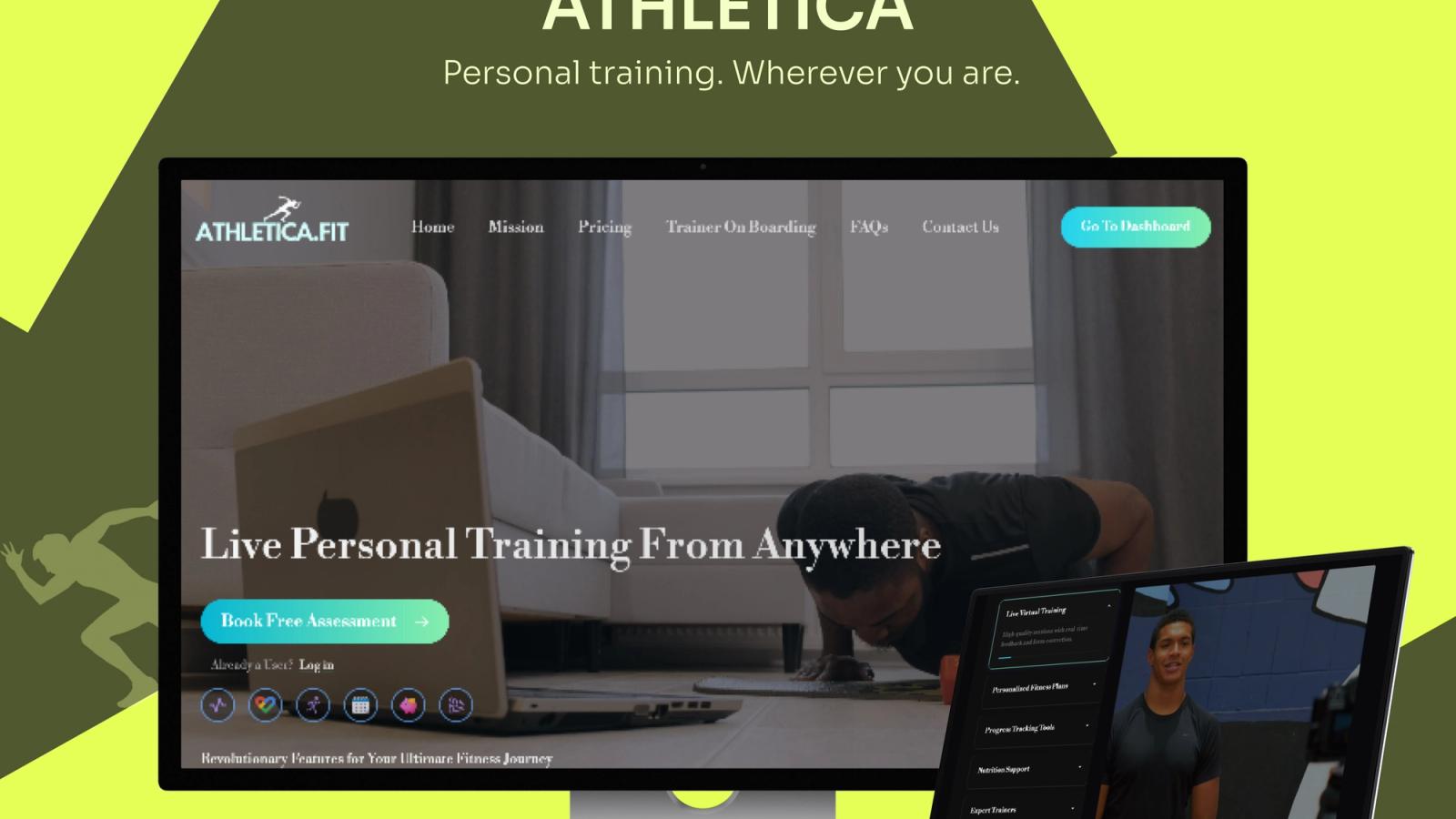
The published Athletica case study describes a personal-training platform where members share training-time and intensity preferences, complete checkout, and use a personalised dashboard. A Node scheduling API creates Google Calendar events with Meet links, while PocketBase and Go support authentication, user data, and subscriptions. The design connects commercial status to the delivery of a real coaching session.
Frequently Asked Questions
What should happen after a member books a virtual training session?
The platform should confirm eligibility, reserve the time, create or update the appointment, give the member and trainer the correct access details, and schedule reminders. It should also record how rescheduling and cancellation affect the session. Every step needs a clear owner when an external calendar or video provider is unavailable.
Can a standard booking tool run an online coaching business?
It can suit a simple operation. A dedicated product becomes useful when booking needs to understand memberships, assigned trainers, personalised plans, progress records, secure member access, and the service delivered after the booking. The more these rules differ from a generic appointment flow, the stronger the case for custom workflow design.
Related Reading
How to Build an Online Personal Training Platform