Claims management software for surveyor teams should make the current case state easy to see without removing the evidence needed to make a decision. The core is one controlled record that connects intake, assignment, documents, financial context, status, and decision history. Add automation after that record is dependable. Otherwise a faster workflow simply moves incomplete information between more screens.
Who This Is For
- Insurance surveyor and loss-assessor firms coordinating cases across handlers and reviewers
- Claims teams replacing spreadsheets, inbox rules, shared folders, and manually prepared documents
- Operations leaders who need a clearer view of ageing cases, assignments, and incomplete information
- Firms deciding whether a configurable claims platform fits their workflow or a custom system is justified
Start with the claim record, not the intake form
Intake is only the first moment in a claim. A useful record keeps the claim connected to its insurer or client context, assigned people, status changes, evidence, generated documents, financial details, and the reason behind a decision. Each addition should have a clear owner and a visible history.
That distinction matters because teams rarely fail at capturing a form. They fail when a later reviewer cannot see what changed, a document is prepared from an old field, or the next action lives in someone else's inbox. The case record has to carry the work, not just describe it.
Map the six operational states before building automation
- Intake: what arrived, who supplied it, and what is still missing
- Triage: how the team classifies, prioritises, and assigns the case
- Investigation: which documents, observations, and communications support the record
- Review: what a manager or reviewer needs to confirm before a decision
- Decision: the documented outcome, generated communication, and accountable person
- Closure: the final status, retained evidence, and follow-up obligations
Give each role a different view of the same truth
A handler needs the next required action. A reviewer needs the evidence and changes that support a decision. A manager needs workload, ageing, and exceptions. An administrator needs controlled access and configuration. These are different views of one record, not separate databases or a reason to copy details into a reporting spreadsheet.
Role-aware design is not just a permissions checklist. It decides what should be prominent on each screen, what should be read-only, and when a hand-off is actually complete. A system becomes calmer to use when every role can see the information needed for its current decision without hiding the shared history.
Cloud is usually right. Network restrictions change the answer.
Most teams benefit from cloud software: remote access, provider-managed updates, and easier collaboration are real advantages. Buy a configurable product when your claim types are standard and the team can adapt to the vendor's workflow. That is usually faster than commissioning a custom platform.
The exception is a workflow that cannot put case data on the public internet or cannot model its insurer, office, or financial-year variation in the available product. In that situation, the deployment model and case engine have to be chosen together. The trade-offs are clear: a network-restricted system needs its own update path, support plan, backups, and local operating discipline.
Use analytics to direct work, not decorate a dashboard
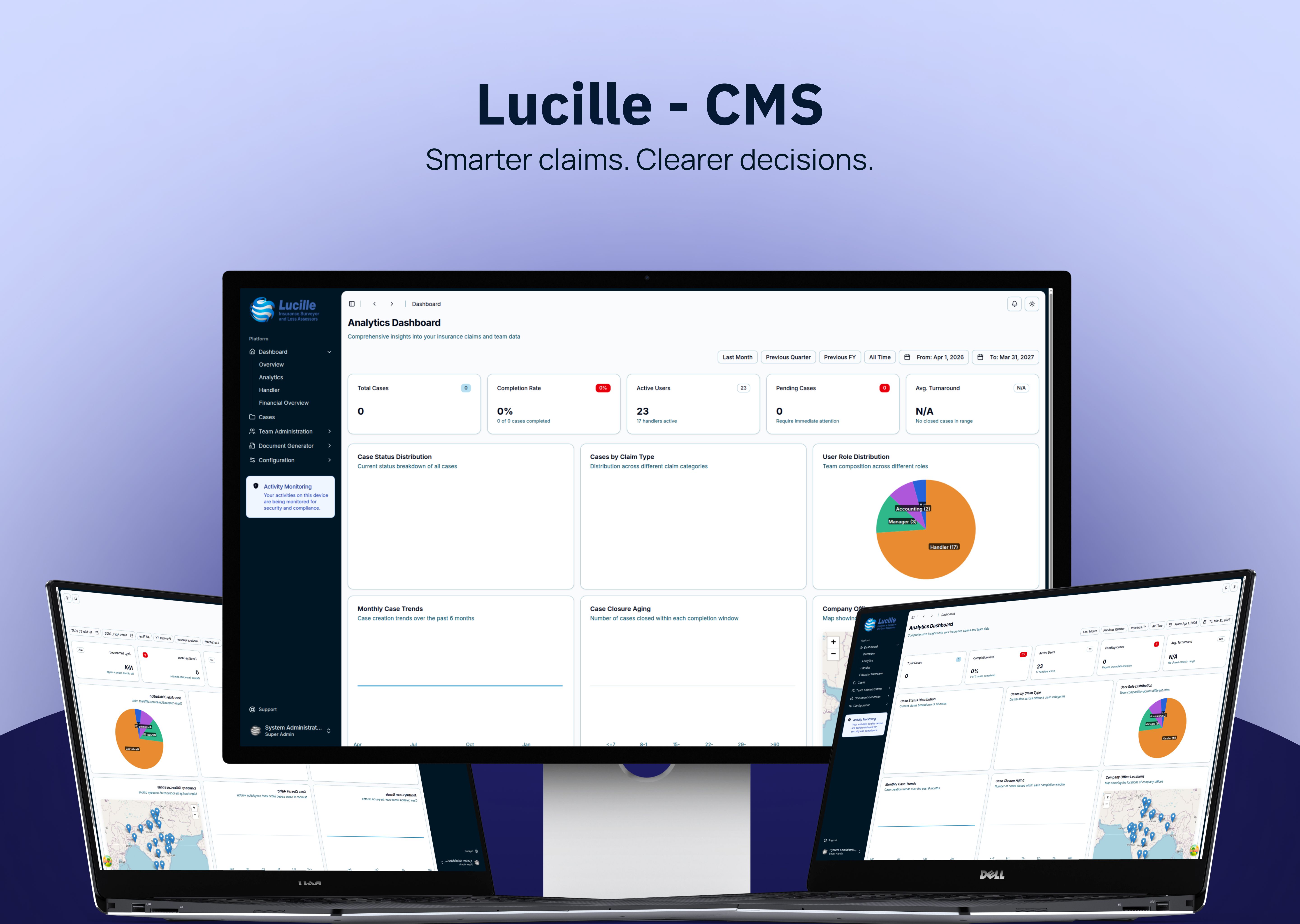
A dashboard earns its place when it changes the next action. Ageing cases, incomplete records, uneven assignments, upcoming deadlines, and repeated exceptions can all direct attention. A chart with no operational owner is only a summary of yesterday's problem.
Case in Point
For an insurance surveyor firm, Stacknyu built a network-restricted claims system with four role-based dashboards, automatic reference numbering, document generation, and an audit trail. The migration included more than 15,000 historical claims dating back to 2016. Read the case study.
Frequently Asked Questions
What should claims management software include for surveyors?
At minimum, it should connect intake, assignment, case status, evidence, documents, decision history, and reporting around one record. The exact fields and stages should match the way the firm works across insurers, locations, and claim types rather than forcing every case into one generic sequence.
Should a surveyor firm buy or build claims software?
Buy when a configurable platform already supports your core workflow and data needs. Build when the case lifecycle genuinely varies by insurer, office, or financial year, or when deployment and historical-data constraints cannot be met safely by the available products.
Can claims software run without cloud hosting?
Yes. A desktop or network-restricted deployment can keep the system inside an authorised environment. It is appropriate only when that constraint is real, because the organisation then owns more responsibility for access, updates, backups, and operational support.