Itinerary builder software helps travel agents assemble flights, hotels, transfers, activities, traveller notes and documents into a shareable trip plan. The useful question is not whether it can produce a good-looking PDF. The useful question is whether the itinerary stays connected to bookings, rooms, payments, missing documents, vendor commitments and last-minute changes.
Who This Is For
- Travel agents building custom group tours, family packages or corporate trips
- Tour operators who need itinerary data to feed operations, not just proposals
- Agencies deciding between Travefy-style tools, DMC platforms and a custom workflow
- Teams replacing Word documents, copied templates, spreadsheets and email attachments
What an Itinerary Builder Should Produce
A professional itinerary builder should produce at least 3 outputs: a client-facing itinerary, internal operations data and document-ready exports. The client-facing itinerary explains the trip clearly. The operations data tells the team what has to be booked, collected, paid or confirmed. The exports may include PDF itineraries, vouchers, invoices, rooming lists, traveller manifests or financial spreadsheets.
Most public itinerary-builder pages focus on the first output. They compete on branded proposals, mobile delivery, web links, offline access, AI import and beautiful design. Those are valuable for sales and customer experience. But in a custom operations platform, the itinerary is also a source of operational commitments. If day 3 includes a hotel and local transfer, the system should know that a hotel booking and transport vendor confirmation are required.
This is the difference between a document builder and a workflow builder. A document builder helps the agent explain the trip. A workflow builder helps the agency deliver the trip. Good software can do both, but the data model has to be designed for both from the start.
Where Itinerary Data Should Connect
Itinerary data should connect to bookings, travellers, rooms, documents, payments and vendors. A trip plan without traveller records cannot track passport or visa document status. A trip plan without room allocation cannot catch sharing and occupancy issues. A trip plan without payment state cannot show whether the package is confirmed, partly paid or balance due. A trip plan without supplier status cannot tell operations what is still pending.
A practical group-tour record often has 8 moving parts: tour master, booking, traveller list, room allocation, documents, payments, invoices, and operational reminders. If the itinerary builder creates only text, the rest of those pieces still live somewhere else. If it creates structured records, the same trip plan can power reminders, dashboards and exports.
Structured workflow: inquiry turns into itinerary draft; itinerary becomes quote; quote becomes booking; booking creates travellers and room allocations; traveller records request documents; payment entries update balances; supplier tasks confirm flights and hotels; reminders watch missing or overdue items; exports give finance and operations the records they need.
When to Use an Existing Itinerary Tool
Use an existing itinerary tool when the problem is presentation speed. If agents spend too much time making polished proposals, a dedicated tool can help quickly. Many products already support branded web itineraries, PDFs, mobile delivery, booking imports and customer communication. For independent agents and small agencies, that can be a better investment than custom development.
Use a custom itinerary workflow when the itinerary must be operationally enforceable. That means package details need to trigger booking tasks, document requests, payment states, room allocations, reminders and reporting. It also means staff permissions matter: who can edit prices, who can change traveller data, who can export finance reports, and who can mark supplier booking status as complete.
There is a real trade-off. Existing tools launch faster and bring product polish. Custom workflows take longer and need ownership. The case for custom is strongest when the itinerary is no longer just a sales artifact. Once the itinerary becomes the operational plan that many departments depend on, disconnected tools create duplicate work.
How to Design the First Version
Start with the records that change least often: tours, departures, bookings and travellers. Then add the records that create operational risk: documents, room allocations, payments and supplier confirmations. Finally, add presentation layers: itinerary PDF, client email, customer portal, mobile view or WhatsApp message. This order prevents the design from becoming pretty before it becomes reliable.
The first version does not need every external API. Manual entry plus strict structure can already solve the largest spreadsheet problem. Add flight, hotel, GDS, accounting or payment gateway integrations only after the internal records are stable. Integrations accelerate a good workflow, but they make a confused workflow harder to debug.
For teams with role-heavy operations, permissions belong in version 1. If a junior staff member can change invoice totals, delete documents or edit confirmed room allocations, the system may be faster than a spreadsheet but less controlled. A small but serious RBAC model is better than a large feature set with weak access rules.
Case in Point
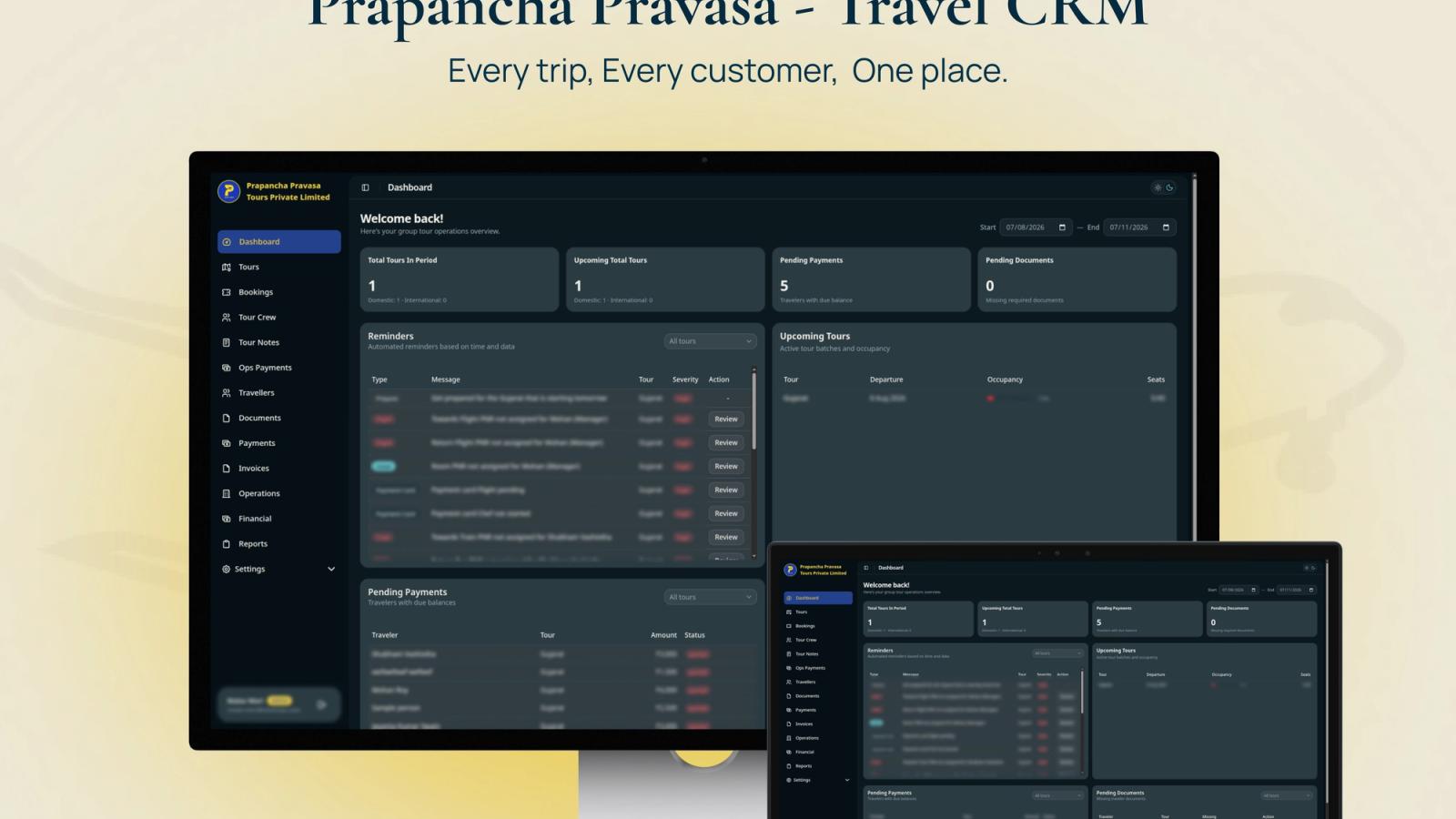
In Prapanch Tour Operations CRM, Stacknyu designed booking creation as a composite workflow. One flow creates the booking, room allocations, travellers, documents, operational units and auto-generated invoice, while payment status is derived automatically. The platform uses 22 backend collections, exportable financial reports and a Go reminder worker to keep itinerary-adjacent operations visible before departure.
Frequently Asked Questions
What is itinerary builder software for travel agents?
Itinerary builder software lets travel agents create structured trip plans with flights, hotels, transfers, activities, notes and documents. Some tools focus on polished client presentation. More operational systems also connect itinerary data to bookings, payments, documents, reminders and supplier status.
Should travel agents use an existing itinerary builder?
Yes, when the main need is faster proposals, branded PDFs, web itineraries or mobile delivery. Existing tools are often better for small teams that do not need custom operations logic. Build custom only when itinerary data must drive internal booking, document, payment and reminder workflows.
What should an itinerary builder connect with?
It should connect with traveller records, booking status, room allocation, document collection, payments, invoice generation, supplier confirmations and reporting. External integrations with GDS, hotel APIs or accounting tools can help later, but the internal source of truth should come first.
How is an itinerary builder different from tour operator software?
An itinerary builder focuses on trip planning and presentation. Tour operator software covers the wider operating workflow: inventory, bookings, travellers, payments, suppliers, documents, reminders and reporting. Some platforms combine both, but custom builds should define which layer owns each record.