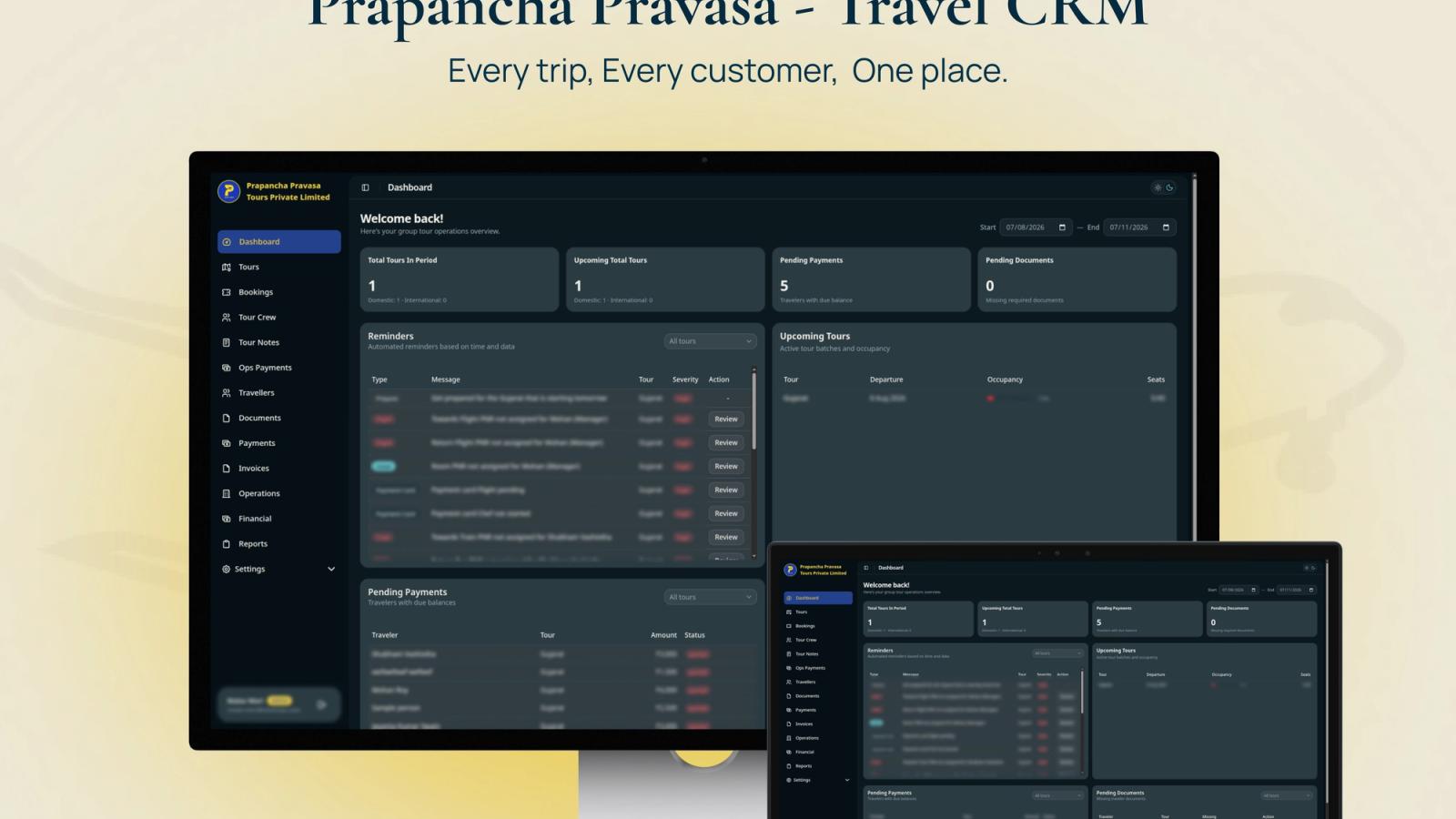
A travel agency CRM manages leads, clients, follow-ups and sales conversations. Back-office software manages confirmed trip production: bookings, suppliers, invoices, payments, documents, margins and reports. Many products blur the terms, but the distinction matters. If your problem is missed enquiries, CRM comes first. If your problem is messy fulfilment after confirmation, the back office is the bigger issue.
Who This Is For
- Travel agency owners choosing between CRM, booking engine, ERP and custom software
- Sales teams losing leads across WhatsApp, calls, Facebook forms and email
- Operations teams struggling with invoices, payment status, vendors and traveller documents
- Founders planning a phased software build instead of buying one large product immediately
What a Travel CRM Should Own
A travel CRM should own the pre-booking relationship. That includes lead source, customer profile, trip preference, destination interest, budget range, communication history, quotation status, follow-up reminders and conversion reporting. In India, this often means making WhatsApp, phone calls, website enquiries and social leads visible in one pipeline instead of leaving them in individual team members' phones.
Generic CRMs can work at this stage. Zoho CRM, HubSpot, Salesforce and similar products are strong at lead capture, pipeline stages, activities, email templates and sales reporting. Use them when the workflow is mostly sales-led and when the team can adapt to the CRM's structure. Do not custom-build the CRM layer first if a standard product already covers 80 percent of the lead process.
The CRM begins to strain when a lead becomes a complex booking. A confirmed tour is not just a deal marked won. It may have 10 travellers, several rooms, passport collection, flight status, hotel status, advance payment, balance payment, vendor payment, cancellation rules and invoice exports. Those entities need structure that most generic CRMs do not provide without heavy customization.
What Back Office Software Should Own
Back-office software should own the post-confirmation system of record. It should connect trip data to operations data and finance data. The key records are booking, traveller, supplier, service, room, document, payment, invoice, vendor payout and report. The system should know whether the trip is operationally ready, not merely whether the client has accepted a quote.
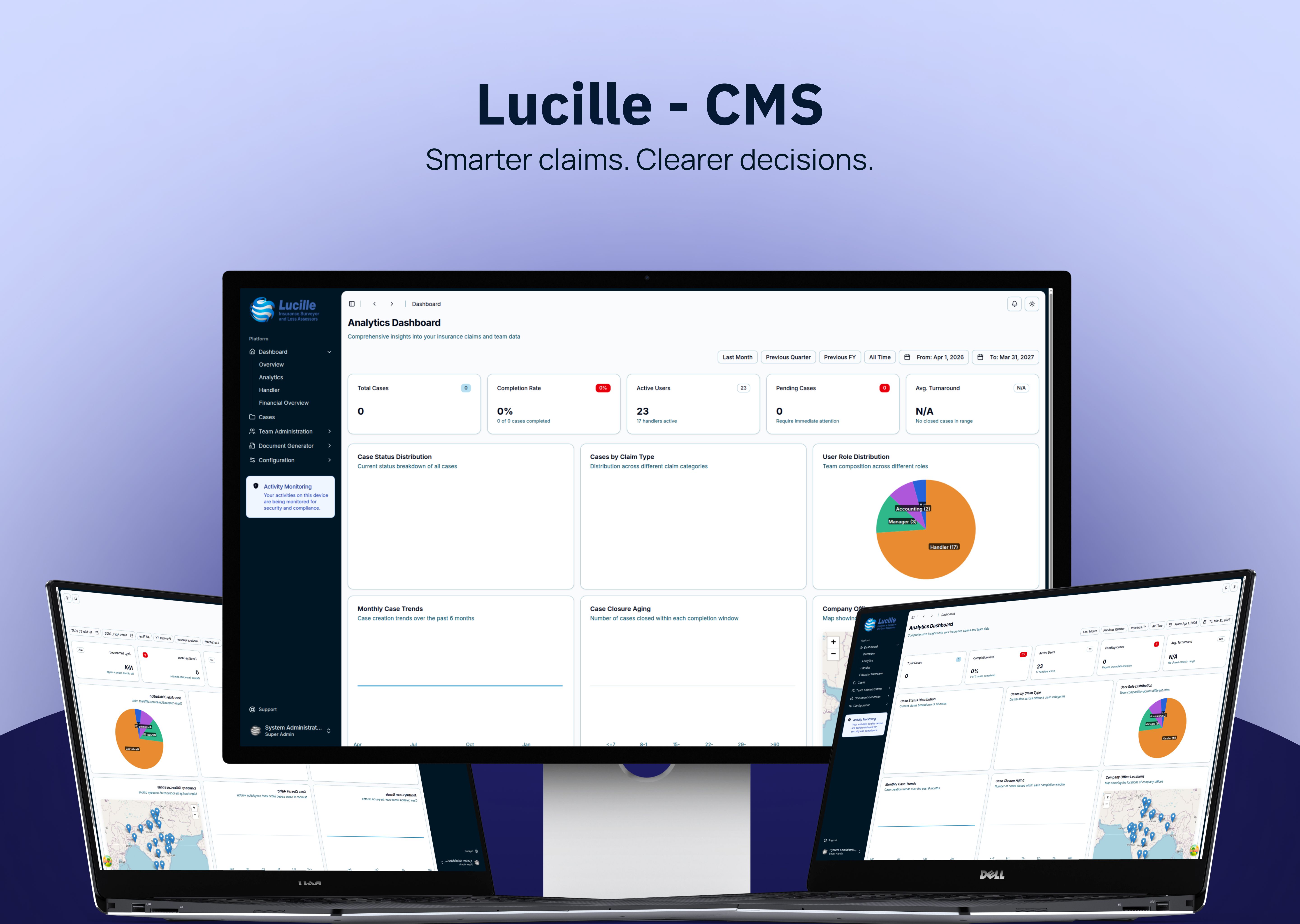
The most useful back-office screen is often not glamorous. It is a searchable table with filters, status chips, balance-due values, missing-document warnings, departure dates and permission-aware actions. That kind of screen saves more time than a beautiful dashboard because it helps staff find the exception that needs action now.
Structured comparison: CRM owns leads, customers, preferences, quotations, follow-ups and conversion. Back office owns bookings, travellers, suppliers, invoices, payments, documents, operational reminders and reports. ERP owns accounting depth, tax configuration, inventory contracts, branches, ledger controls and management reporting. Custom software makes sense when 2 or more of these layers must follow your exact workflow.
How to Choose the First Module
Start where the business loses money or trust. If enquiries disappear, build or buy CRM first. If quotes take too long, fix itinerary and proposal creation. If confirmed trips create daily confusion, build the operations back office first. If invoices, GST, vendor payouts and reconciliation create the biggest risk, choose accounting or ERP first. The sequence matters because software reveals process debt.
A phased custom build should not start with everything. A sensible version 1 has 5 to 8 modules: tours, bookings, travellers, documents, payments, invoices, reminders and exports. Once the source of truth is working, the team can add sales CRM, supplier portals, customer portals, WhatsApp automation, B2B agent accounts or marketplace features. Building all layers together increases risk unless the process is already stable.
Off-the-shelf software is the right call when speed matters more than fit. It gives the team standard workflows, vendor support, product updates and a faster launch. Custom software is the right call when the team's internal controls, approval rules, local payment tracking, reporting structure or data model cannot be represented in standard products without awkward workarounds.
Permission Design Is Usually Underestimated
Travel agencies often talk about roles late in the project, but permissions shape the whole data model. Finance should see payment and vendor data. Operations should see traveller, hotel, flight and document status. Admins should manage users and configuration. Staff may need read access to some records and edit access to others. A simple admin/user split breaks down quickly.
For sensitive workflows, role checks should exist in more than the UI. If hiding a button is the only protection, a determined user can still hit an API route or database endpoint. A stronger model enforces permissions at the database rules, server routes, page-level loaders and UI controls. This is slower to build, but it is the difference between a visual permission system and a real one.
Case in Point
Stacknyu built Prapanch Tour Operations CRM around the back-office layer first: tours, bookings, room allocations, travellers, documents, payments, invoices, reminders and exports. The shipped system has 22 backend collections and 18+ dashboard modules, with role-based access enforced across database rules, route guards, server gates and UI-level gating. That fit mattered more than copying a generic sales CRM.
Frequently Asked Questions
What is the difference between travel CRM and back-office software?
Travel CRM handles leads, customer relationships, quotations and follow-ups. Back-office software handles confirmed booking operations: suppliers, payments, invoices, documents, reminders and reports. Many products include both, but the difference helps you choose which problem to solve first.
Can Zoho or HubSpot work for a travel agency?
Yes, especially for sales teams that mainly need lead capture, pipeline tracking, follow-up tasks and customer history. Generic CRMs become weaker when you need deep booking operations: travellers, rooms, documents, supplier payments, invoice exports and operational alerts tied to each tour.
Should a travel agency build or buy CRM software?
Buy when your sales workflow is standard and speed matters. Build when the CRM must connect tightly with unusual booking, payment, document or permission rules. A hybrid approach is common: buy generic CRM first, then build a custom back-office system where the operational workflow is specific.
What should a travel back office dashboard show?
It should show booking status, departure dates, traveller counts, room allocations, missing documents, pending balances, received payments, vendor payment status, invoice status and assigned staff. Search, filters and exports matter because operations teams need to find exceptions quickly.