Most HR systems are built for data management, not document management — they store an employee record well but track document versions, expiry dates, and renewal reminders poorly. For a multi-branch employer with contracts, certifications, and compliance documents expiring on different schedules across locations, that gap turns into a manual tracking job nobody officially owns.
Who This Is For
- HR teams manually tracking document expiry dates in a spreadsheet alongside their HRMS
- Multi-branch companies where document requirements vary by branch or role
- Compliance and audit teams who need a reliable trail of document versions, not just current copies
- Anyone preparing for an audit that will ask for document history, not just current status
Why HRIS Platforms Fall Short Here
Most HR platforms are built primarily to manage structured data — name, role, salary — not document lifecycles. Version control tends to be limited, audit trails thin, and jurisdiction-specific retention rules are rarely supported at all. For a company with few, simple, uniform documents, this gap rarely matters. It becomes a real cost once document types, retention rules, or renewal cadences start varying by branch or role.
What Auto-Expiry Tracking Actually Needs to Do
- Send reminders before expiry, escalating from employee to manager to HR — not a single alert on the expiry date itself
- Keep version history, so a renewed document doesn't overwrite the audit trail of the one it replaced
- Support branch-wise or role-wise document assignment, since not every branch needs the same document set
- Apply policy-based monitoring, so the system knows which documents matter for which employee category
Where This Intersects with Payroll
A compliance document expiring can have payroll implications — an employee whose certification lapses may not be eligible for a particular allowance or role-based pay component. Treating document tracking and payroll as separate systems means that intersection has to be manually caught every time. This kind of tight coupling is genuinely more system than most companies need; it matters most where document status and pay or role eligibility are actually linked.
What Good Looks Like in Practice
- Auto-reminders for expiring documents, sent well ahead of the deadline
- Document templates and generation tools built into the same platform
- Secure storage with full versioning, not just a single current copy
- Branch-wise document assignment and policy-based monitoring
Case in Point
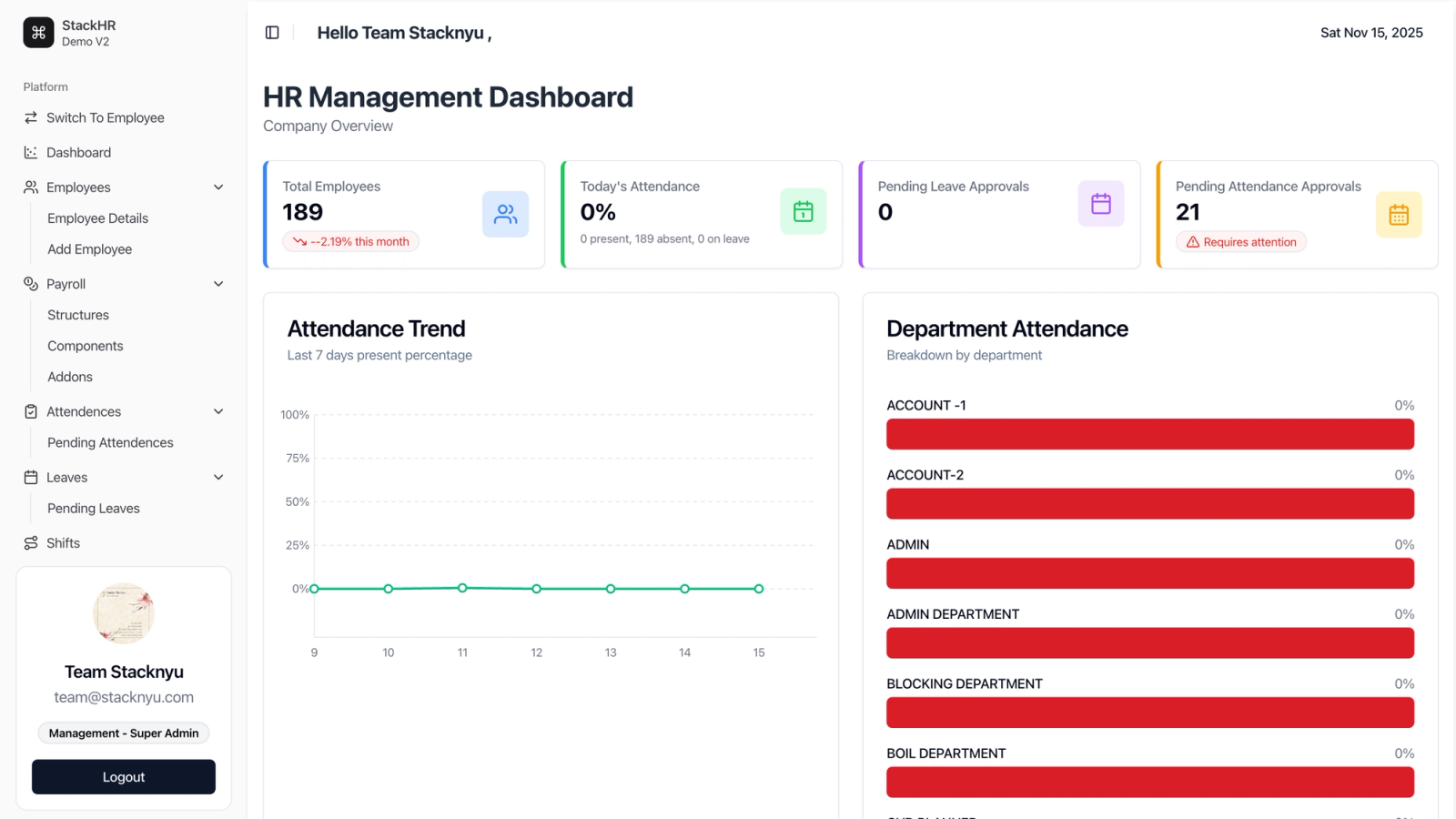
StackHR includes auto-reminders for expiring documents, versioned secure storage, and branch-wise document assignment as part of the same platform that runs payroll and attendance — not a separate tool. Across more than 1,000 employees, that keeps document compliance and payroll from drifting out of sync.
Frequently Asked Questions
Why doesn't my HRMS handle document expiry well?
Most HR platforms are built primarily to manage structured employee data — names, roles, salaries — not document lifecycles. Version control, retention rules, and expiry-specific workflows are usually an afterthought or a separate add-on.
What's the difference between document storage and document management?
Storage just keeps a file. Management tracks versions over time, sends reminders before expiry, enforces retention rules, and keeps an audit trail of who changed what and when — that's the part most HR systems skip.
Should document expiry tracking be part of payroll software, or separate?
It depends on whether document status and pay or role eligibility are actually linked in your organisation. If they are, keeping both in one system avoids a manual reconciliation step. If they aren't, a dedicated document tracking tool is often simpler.
How far in advance should expiry reminders go out?
Enough time to actually act — a single reminder on the expiry date itself is too late for most renewal processes. Escalating reminders to the employee, then their manager, then HR, are the more reliable pattern.